Choosing the right laptop is one of the biggest decisions for students today. A laptop is not just a device for classes, but a daily tool for assignments, projects, and skill development.
Many students get confused between Windows laptops and MacBooks. Both options look powerful, modern, and student-friendly, but they serve different needs.
In this detailed guide, we will compare Windows vs MacBook for students in simple English. This article focuses on performance, price, features, software support, and long-term value to help students make the right choice.
Why Laptop Choice Matters for Students
Students use laptops for more than just studying. Online classes, coding, content creation, and freelancing all require reliable devices.
A wrong laptop choice can lead to slow performance, software compatibility issues, and extra expenses. That is why understanding the difference between Windows and MacBook is important.
A good student laptop should balance performance, price, battery life, and software solutions.
Understanding Windows Laptops
Windows laptops are available from many brands. They come in different sizes, prices, and specifications.
Students can choose Windows laptops based on budget, usage, and academic requirements. This flexibility makes Windows very popular.
Windows laptops support a wide range of software solutions, including tools for cloud computing, cybersecurity, and digital marketing tools.
Understanding MacBooks
MacBooks are laptops designed by Apple and run on macOS. They are known for premium design, stability, and long battery life.
MacBooks are widely used by students in creative fields like design, video editing, and app development.
MacBooks also integrate well with AI tools, SaaS platforms, and cloud-based software.
Windows vs MacBook: Operating System Comparison
The operating system plays a major role in user experience.
OS Comparison Table
| Feature | Windows OS | macOS |
|---|---|---|
| User interface | Customizable | Clean & minimal |
| Software support | Very wide | Limited but stable |
| Gaming support | Strong | Limited |
| System updates | Frequent | Optimized & smooth |
| Learning curve | Easy | Easy for beginners |
Windows offers flexibility, while macOS focuses on stability and simplicity.
Performance for Students: Windows vs MacBook
Performance depends on processor, RAM, and storage. Windows laptops offer many hardware combinations.
MacBooks now use Apple Silicon chips, which are optimized for performance and battery efficiency.
Performance Comparison Table
| Aspect | Windows Laptop | MacBook |
|---|---|---|
| CPU options | Intel, AMD | Apple M-series |
| Multitasking | Depends on configuration | Very smooth |
| Heat management | Varies by brand | Excellent |
| AI tools support | Good | Optimized |
For general students, both platforms perform well with proper configuration.
Price Comparison: Windows vs MacBook
Price is a critical factor for students.
Windows laptops are available at almost every price range, making them more accessible.
Price Comparison Table
| Category | Windows Laptop | MacBook |
|---|---|---|
| Entry-level price | Affordable | Expensive |
| Mid-range options | Many choices | Limited |
| Value for money | High | Premium experience |
| Repair cost | Lower | Higher |
Students on a tight budget usually prefer Windows laptops.
Software Compatibility for Students
Students use different software depending on their courses.
Windows laptops support almost all educational, technical, and professional software solutions.
MacBooks support most popular tools but may lack compatibility with some specialized software.
Software Support Table
| Software Type | Windows | MacBook |
|---|---|---|
| Programming tools | Yes | Yes |
| Engineering software | Yes | Limited |
| Digital marketing tools | Yes | Yes |
| Cybersecurity tools | Yes | Yes |
| Web hosting tools | Yes | Yes |
For engineering and technical courses, Windows is often preferred.
Battery Life and Portability
Students need laptops that last through long study sessions.
MacBooks are known for excellent battery life due to optimized hardware and software.
Windows laptops vary depending on brand and model.
Battery Comparison Table
| Feature | Windows Laptop | MacBook |
|---|---|---|
| Average battery | 6–10 hours | 12–18 hours |
| Fast charging | Available | Available |
| Portability | Varies | Very lightweight |
MacBooks are ideal for students who travel frequently.
Windows vs MacBook for Programming Students
Programming students need stable systems and broad tool support.
Windows supports a wide range of programming languages, IDEs, and development tools.
MacBooks are preferred for app development, especially iOS and macOS apps.
Programming Comparison Table
| Aspect | Windows | MacBook |
|---|---|---|
| Coding languages | All major | All major |
| App development | Android, Web | iOS, macOS |
| Open-source tools | Yes | Yes |
| Performance | Depends | Consistent |
Both are good, but course requirements should guide the choice.
Online Security and Data Privacy
Online security is important for students handling personal and academic data.
Windows users often need third-party cybersecurity and antivirus software.
MacBooks offer strong built-in security, but extra protection like VPN software is still recommended.
Security Comparison Table
| Security Feature | Windows | MacBook |
|---|---|---|
| Built-in protection | Basic | Strong |
| Malware risk | Higher | Lower |
| VPN software support | Excellent | Excellent |
| Data privacy control | User-dependent | Strong defaults |
Both platforms benefit from good security practices.
Cloud Computing and SaaS Platform Support
Students use cloud computing tools for storage, collaboration, and learning.
Both Windows and MacBook work well with cloud services and SaaS platforms.
Popular tools like Google Drive, Microsoft 365, and online learning platforms work smoothly on both.
Cloud-based software reduces dependency on hardware limitations.
Windows vs MacBook for Digital Marketing and Content Creation
Digital marketing students need tools for SEO, analytics, and design.
Windows laptops support a wide range of digital marketing tools and editing software.
MacBooks are popular among content creators due to display quality and performance stability.
Content Creation Comparison Table
| Feature | Windows Laptop | MacBook |
|---|---|---|
| Graphic design | Good | Excellent |
| Video editing | Depends on GPU | Very smooth |
| Blogging tools | Yes | Yes |
| SEO & analytics tools | Yes | Yes |
Both platforms are suitable with the right configuration.
Upgrade and Repair Flexibility
Students may want to upgrade RAM or storage in the future.
Windows laptops usually allow upgrades and have lower repair costs.
MacBooks have limited upgrade options and higher repair expenses.
Upgrade Comparison Table
| Aspect | Windows Laptop | MacBook |
|---|---|---|
| RAM upgrade | Often possible | No |
| Storage upgrade | Often possible | No |
| Repair cost | Lower | Higher |
Windows offers more flexibility for long-term use.
Which Is Better for Budget-Conscious Students?
Budget-conscious students need value for money.
Windows laptops offer better options at lower prices with decent performance.
MacBooks are premium devices and may not suit students with limited budgets.
For basic tasks, Windows laptops are often the smarter choice.
Common Mistakes Students Make While Choosing a Laptop
Many students choose laptops based on brand image rather than needs.
Common mistakes include:
- Ignoring course software requirements
- Overpaying for unused features
- Choosing low storage options
- Not considering battery life
Understanding personal needs helps avoid regret later.
Best Practices Before Buying a Laptop
Students should follow some best practices before purchasing.
Important tips:
- Check course software compatibility
- Decide budget clearly
- Compare specifications, not brands
- Read user reviews
- Consider long-term usage
Smart planning leads to better decisions.
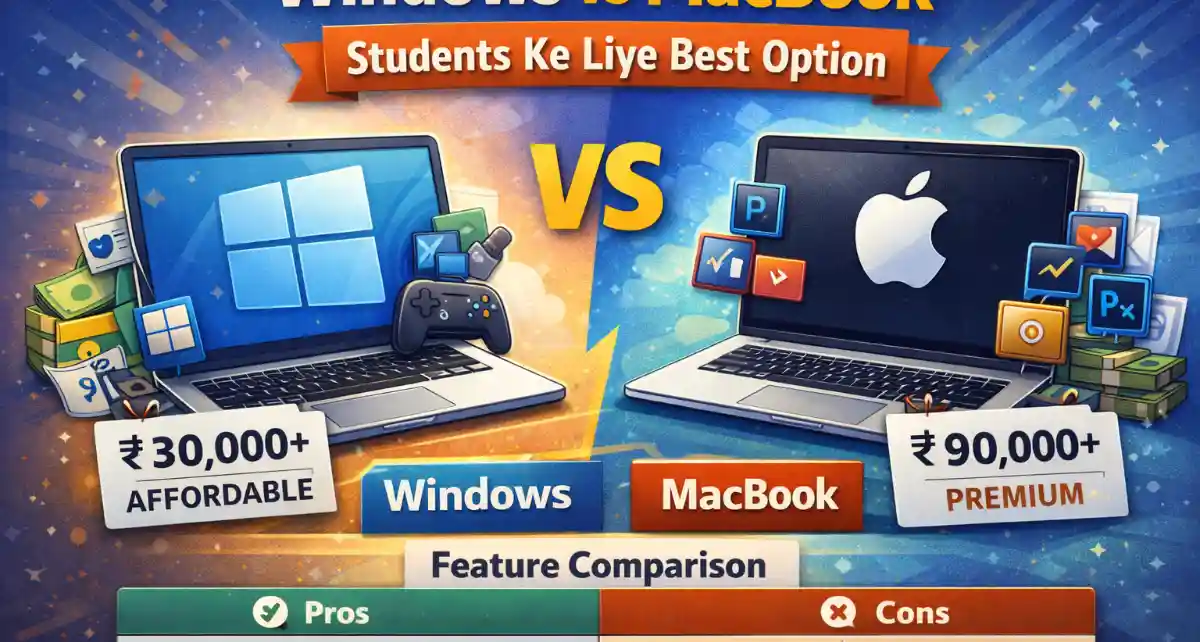
Final Verdict: Windows vs MacBook – Students Ke Liye Best Option
Windows laptops are best for students who want flexibility, affordability, and wide software support. They are ideal for engineering, business, and general studies.
MacBooks are best for students who prefer stability, long battery life, and premium experience. They suit creative fields and app development.
The best option depends on budget, course requirements, and personal preferences.
FAQs About Windows vs MacBook for Students
Many students ask whether Windows laptops are good for long-term use. Windows laptops can last many years if chosen with good specifications and proper care.
Some students wonder if MacBooks are worth the price. MacBooks are worth it for students who value performance stability, battery life, and macOS ecosystem.
A common question is whether Windows laptops are less secure. With proper cybersecurity tools and safe browsing habits, Windows laptops can be very secure.
Students also ask if MacBooks support all software. MacBooks support most common tools, but some specialized software works better on Windows.
Finally, students ask which laptop is better for online learning. Both Windows and MacBooks handle online classes, cloud computing tools, and SaaS platforms equally well when properly configured.
Conclusion: There is no single perfect laptop for every student. Windows and MacBook both offer strong benefits. The right choice depends on budget, course needs, and future goals. Choosing wisely ensures better productivity, learning, and long-term satisfaction.